Pin-Tube.
Never lose a video again.
A smart, native-feeling Chrome Extension that puts a simple pin icon directly inside the YouTube video player. Keep your videos handy without cluttering bookmarks, and permanently hide Shorts shelves and tag recommendation chips to stop doom-scrolling.
The Frustration
Lost Videos: You would watch a video, close your laptop, and then struggle to find it again later. Using regular browser bookmarks was clunky, required too many clicks, and clogged up your bookmarks bar.
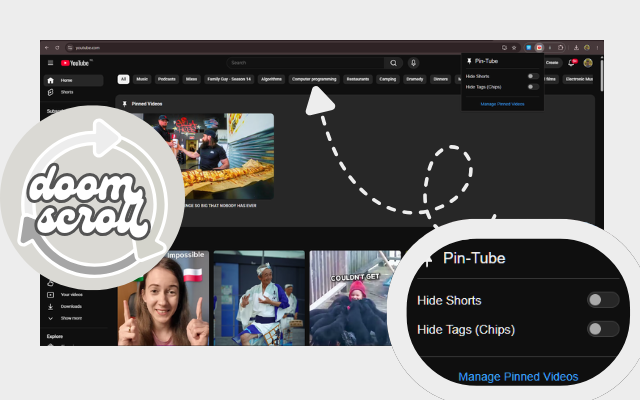
Doom-scrolling: The YouTube homepage is filled with distracting "Shorts" shelves that suck you into doom-scrolling, and tag recommendation chips that you never use.
The Plan
- Put a simple Pin icon directly inside the YouTube video player.
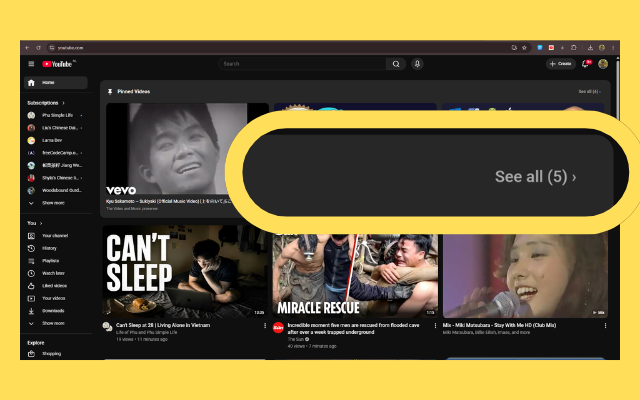
- Inject a small, natural-looking row of those pinned videos at the absolute top of the YouTube homepage.
- Add a feature to permanently hide Shorts and tags.
- Make the code "Senior Engineer" level: fast, clean, and minified to prevent easy copying.
Seamless UI
Integration
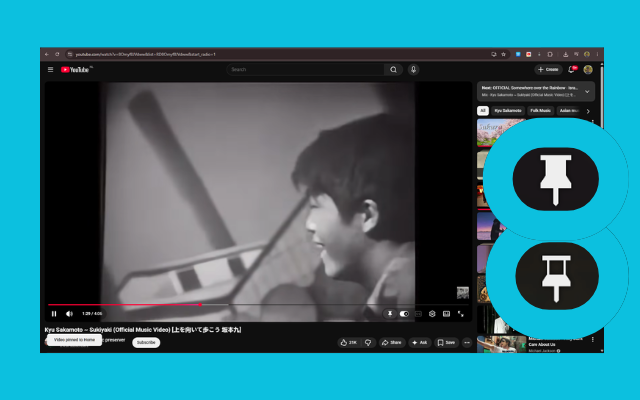
We wrote a smart script that patiently waits for YouTube's video player to load, and injects a custom pushpin SVG button right next to the native settings gear. It looks exactly like it belongs there.
Dynamic Grid Parity
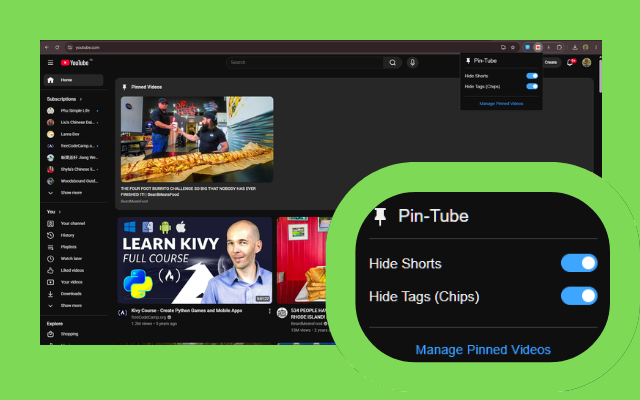
To make the "Pinned Videos" row on the homepage look native, we hooked into YouTube's internal CSS variables and used ResizeObserver. Our pinned videos perfectly adapt and resize their columns exactly when YouTube's grid resizes, seamlessly tying into native dark/light modes.
The "Smart Resume"
Engine
Instead of just linking back to the video, we wanted you to resume exactly where you left off. We added silent listeners to the pause and visibilitychange events. The second you pause or switch tabs, we save your exact timestamp and append it to the video URL.
Distraction Blocking
We built a popup menu with toggle switches. When active, our CSS completely eradicates the doom-scroll triggers by hiding the Shorts sidebar links, the Shorts grid shelves, and the tag chips.
Smart Tab Management
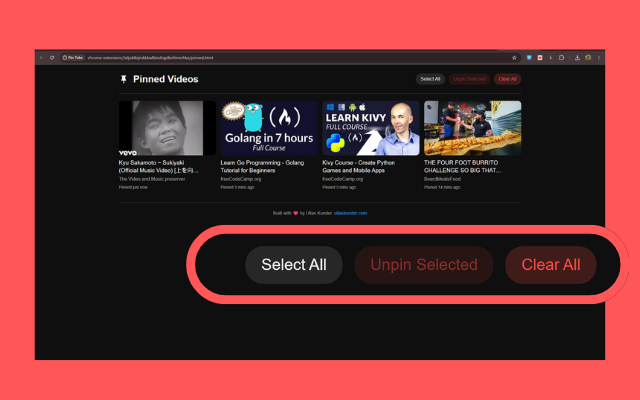
To prevent opening duplicate "Manage Videos" tabs, we gave the extension tabs permission. A background service worker intelligently searches open tabs—if the dashboard is already open, it just snaps your screen over to it instead of spawning a new one.
Onboarding & Obfuscation
We built an automatic onboarding screen that teaches users how to pin. We squashed the code using Vite & Terser into a single highly-minified build, protecting the logic while remaining compliant with Chrome Web Store policies.